
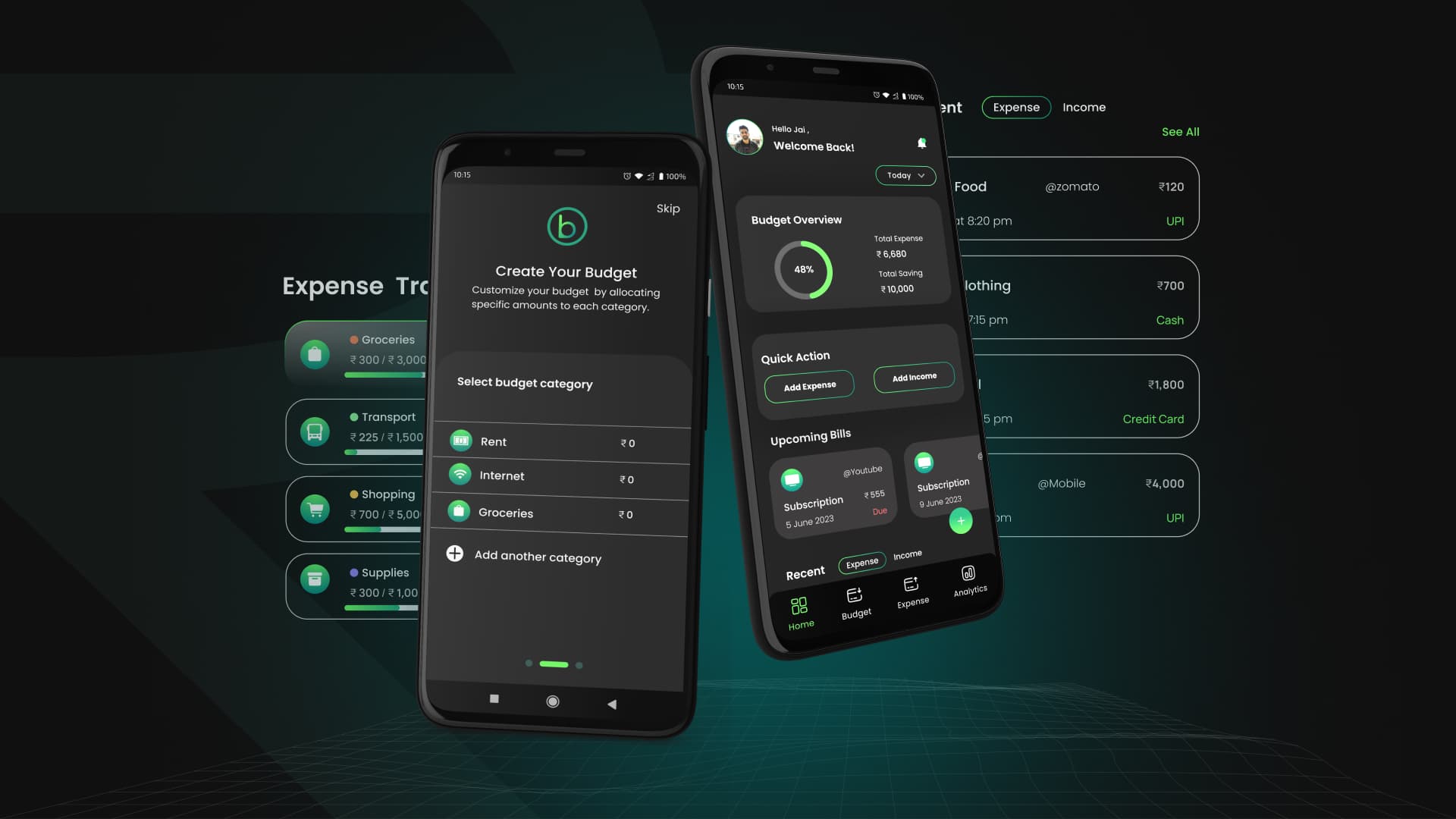
Budgify / 10kdesigners
Designing Budgify: An Intuitive App for Tracking and Conquering Expenses
Fintech • Fintech • Mobile App
This case study details my end-to-end design process for an app that simplifies expense tracking and helps users achieve their financial goals with clarity.
Introduction
For millions, managing money is overwhelming. While countless budgeting apps exist, they often create more friction than clarity, bombarding users with complex features and making the simple act of tracking expenses a chore. This leads to abandoned budgets and continued financial uncertainty.
The challenge? To design a user-centric budgeting app from the ground up that simplifies onboarding to get users tracking in minutes, makes expense logging fast and effortless, visualizes financial health with clarity to inform better decisions, and motivates users by celebrating their progress and achievements.
This case study details my end-to-end design process for Budgify, an app created to answer those questions. My focus was on four key principles: simplifying setup, streamlining expense entry, providing actionable insights, and building user motivation.
This project was completed during my time at the 10kdesigners cohort, with invaluable guidance from my mentors, Abhinav Chhikara and Jayneil Dalal.
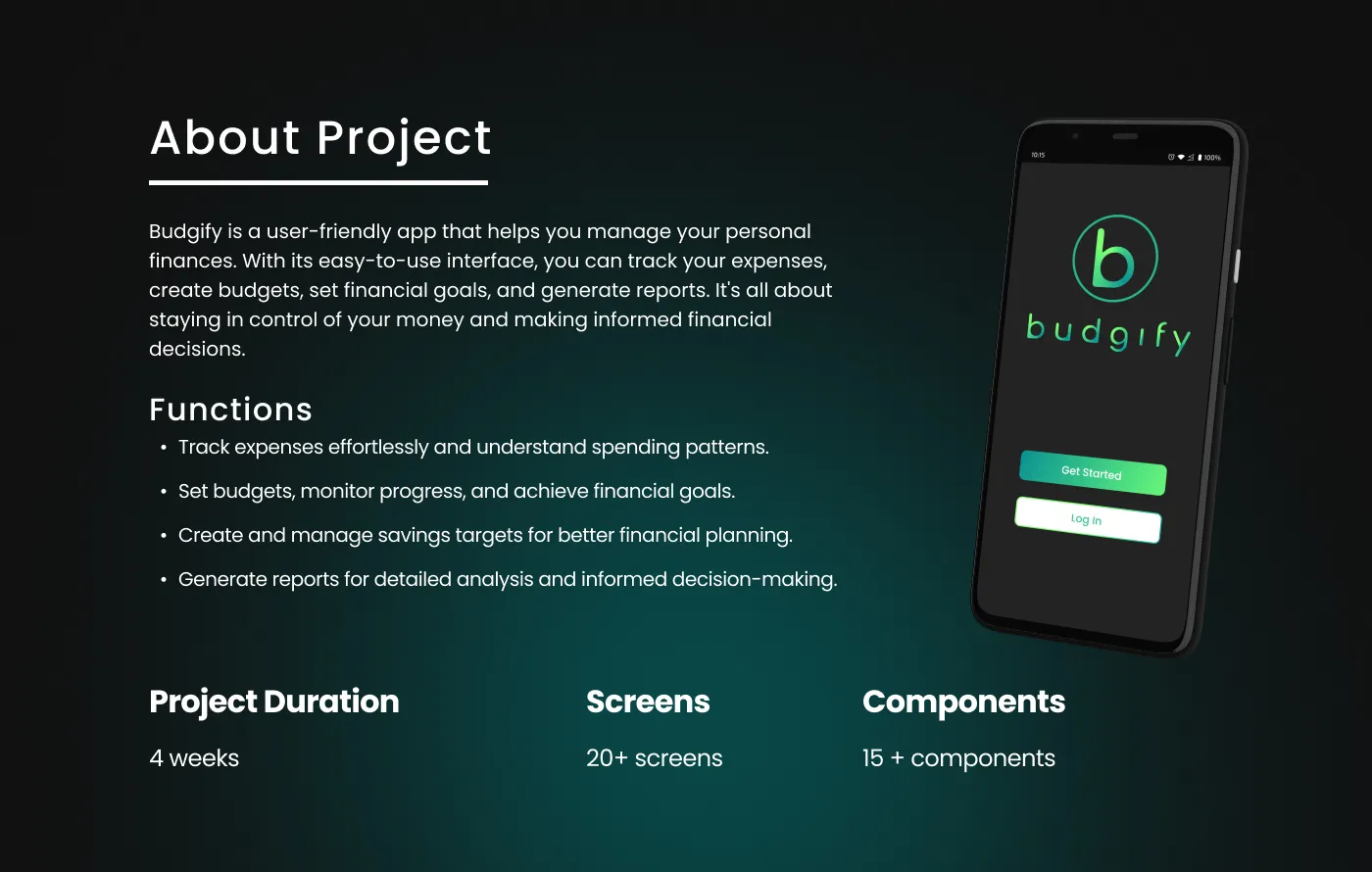
I was responsible for the entire end-to-end design process, from initial research to a final, polished user interface
Design Process
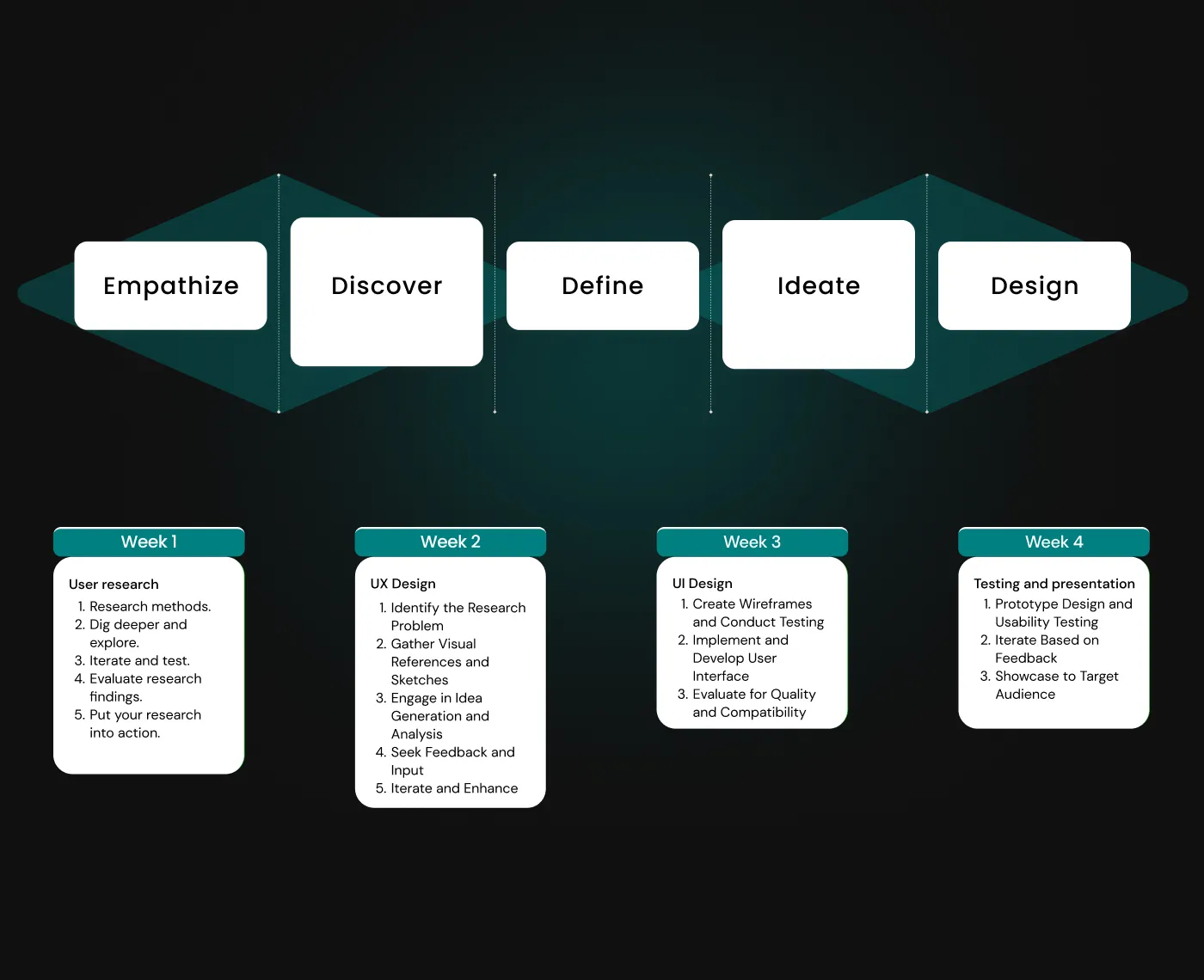
User Interview & Survey Analysis
To understand the needs and pain points of potential users, I employed a mixed-method research approach:
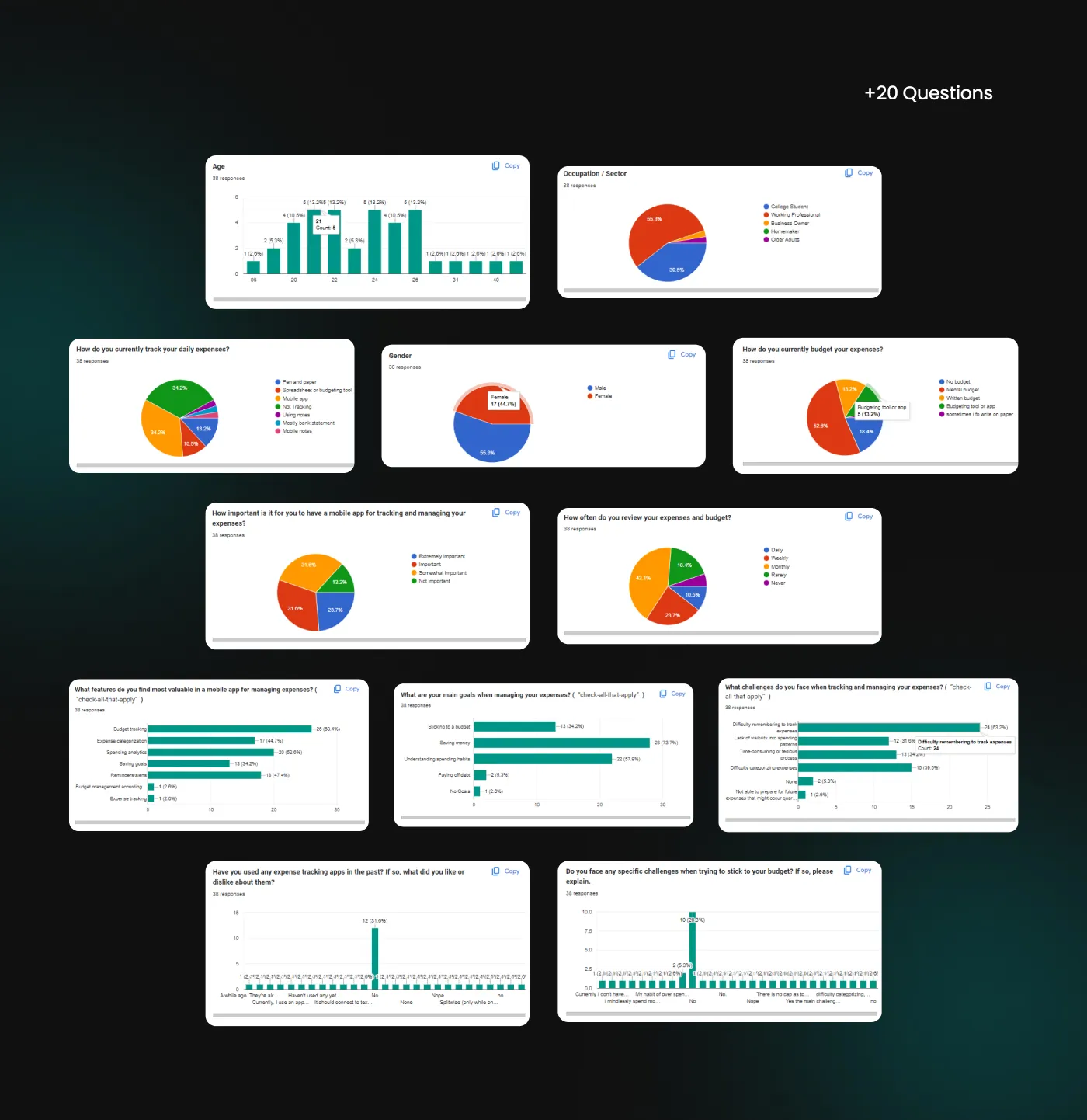
Quantitative Surveys: I designed and distributed a survey using Google Forms to gather statistical data on budgeting habits and challenges.
Qualitative Interviews: I conducted several one-on-one interviews, both in-person and over the phone, to gain deep, contextual insights into their financial behaviors.
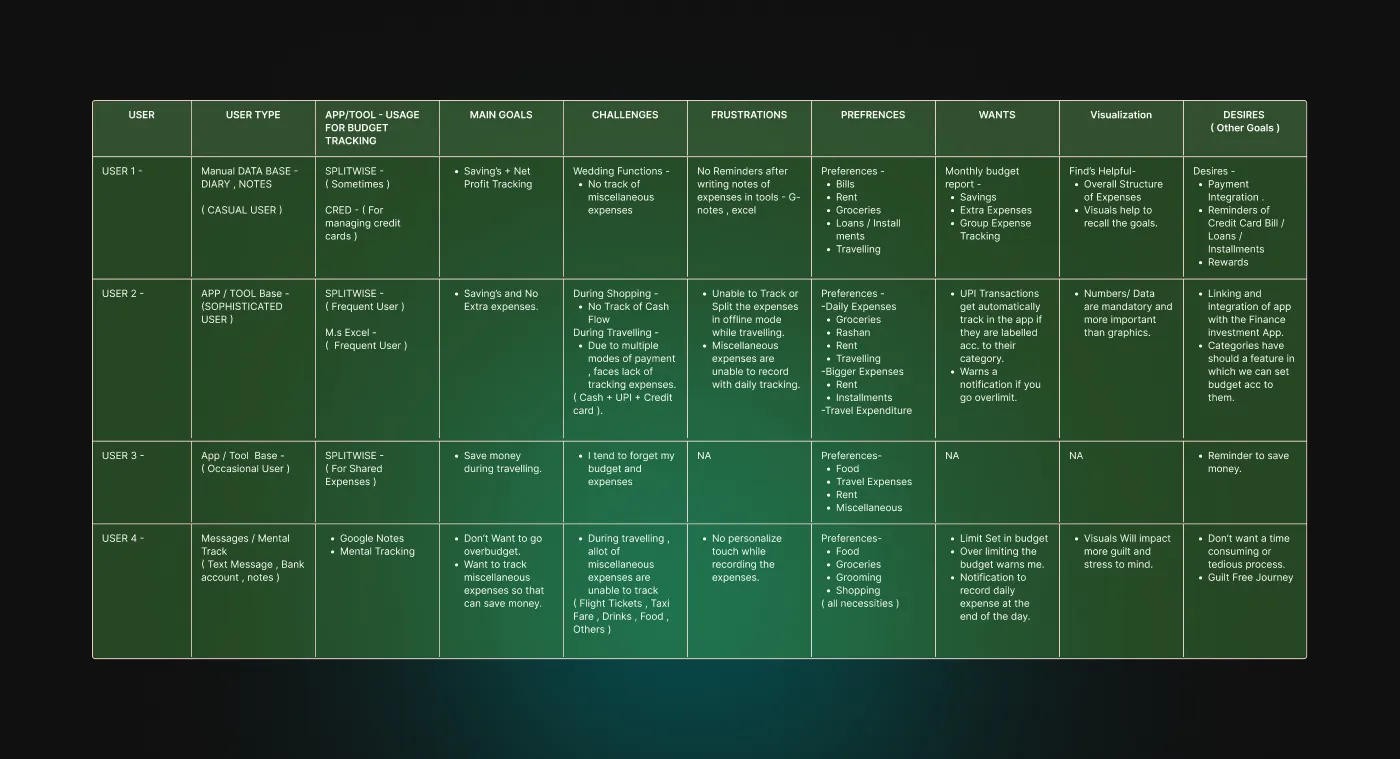
User Interview Analysis
User Survey Analysis
User Persona
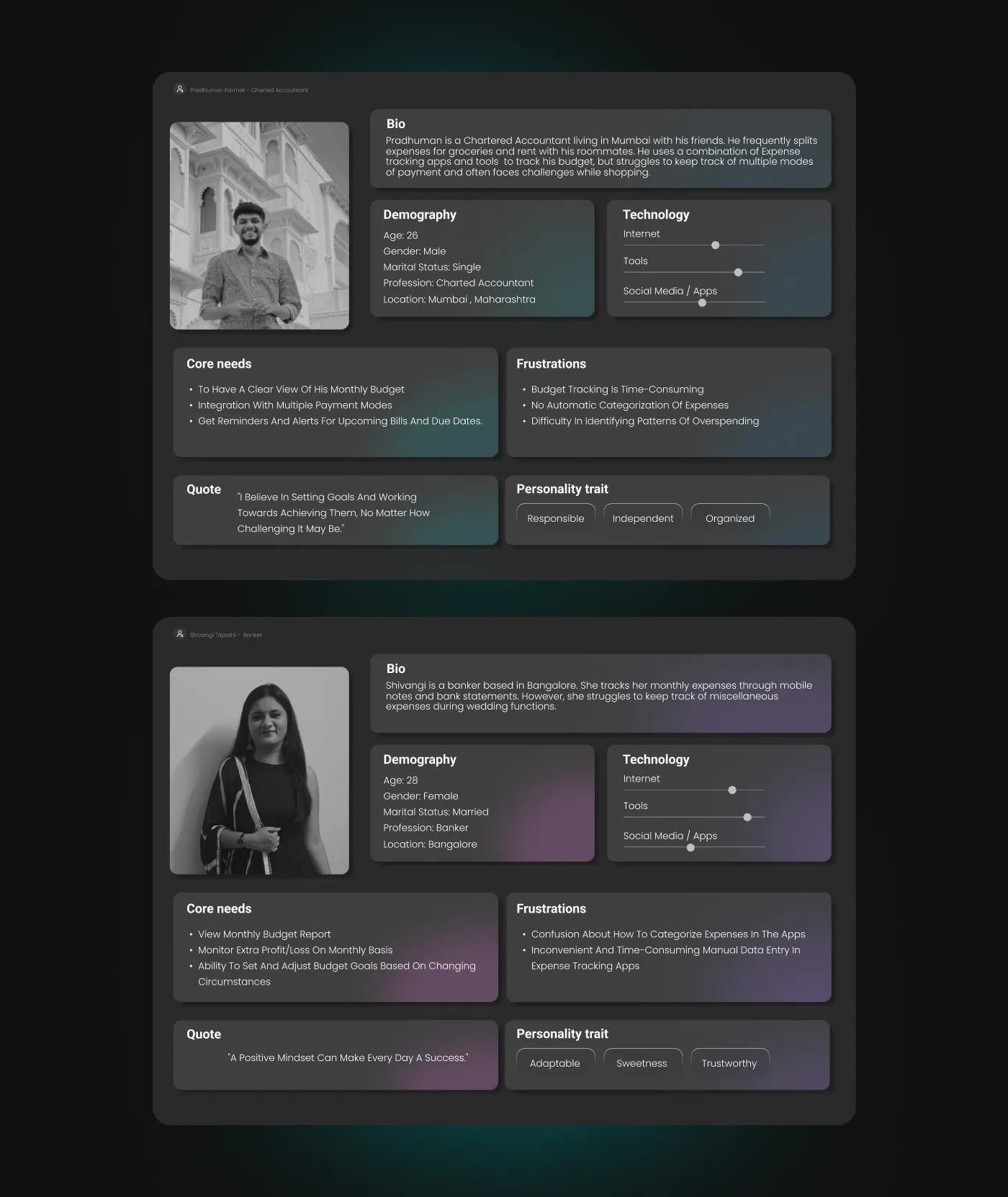
My research revealed two distinct types of potential users, each with unique financial habits and frustrations. To bring these user groups to life and ensure I was designing for them, I crafted two detailed personas.
Allow me to introduce you to Pradhuman and Shivangi!
Empathy Map
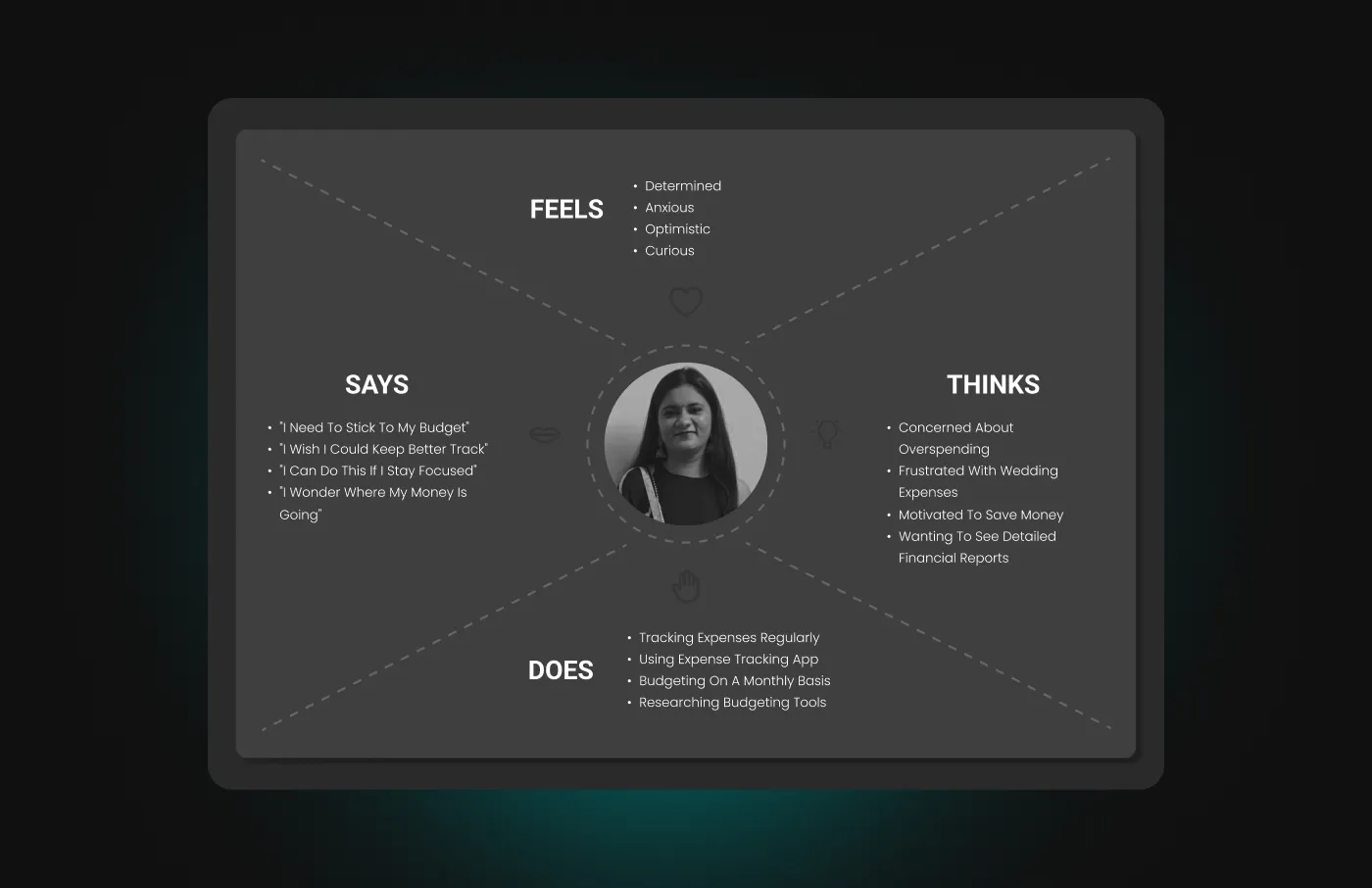
Visualizing Shivangi's perspective to understand her needs and pain points.
User Scenario
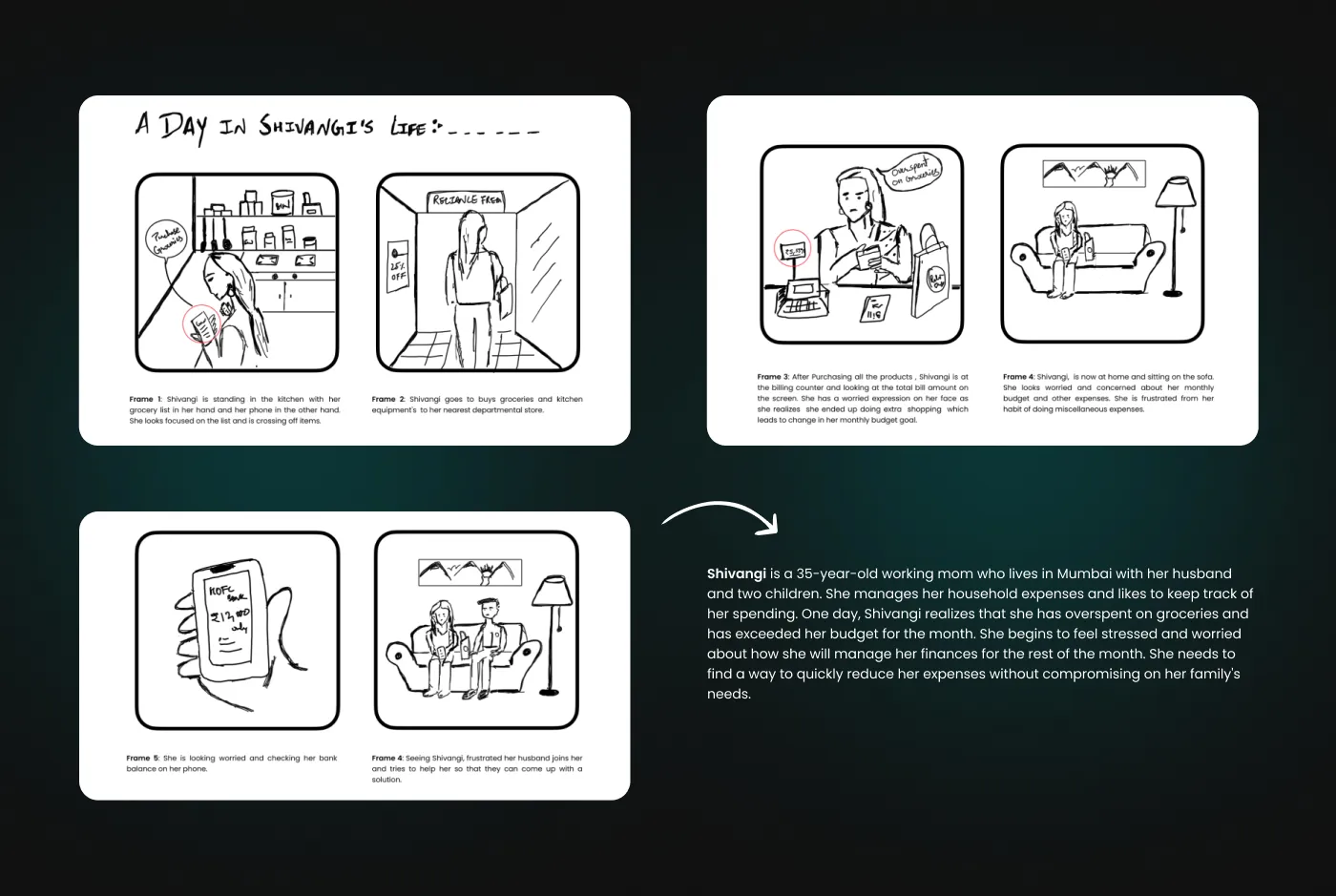
A user scenario illustrating 'A Day in Shivangi's Life' to visualize her real-world budgeting challenges.
User Journey
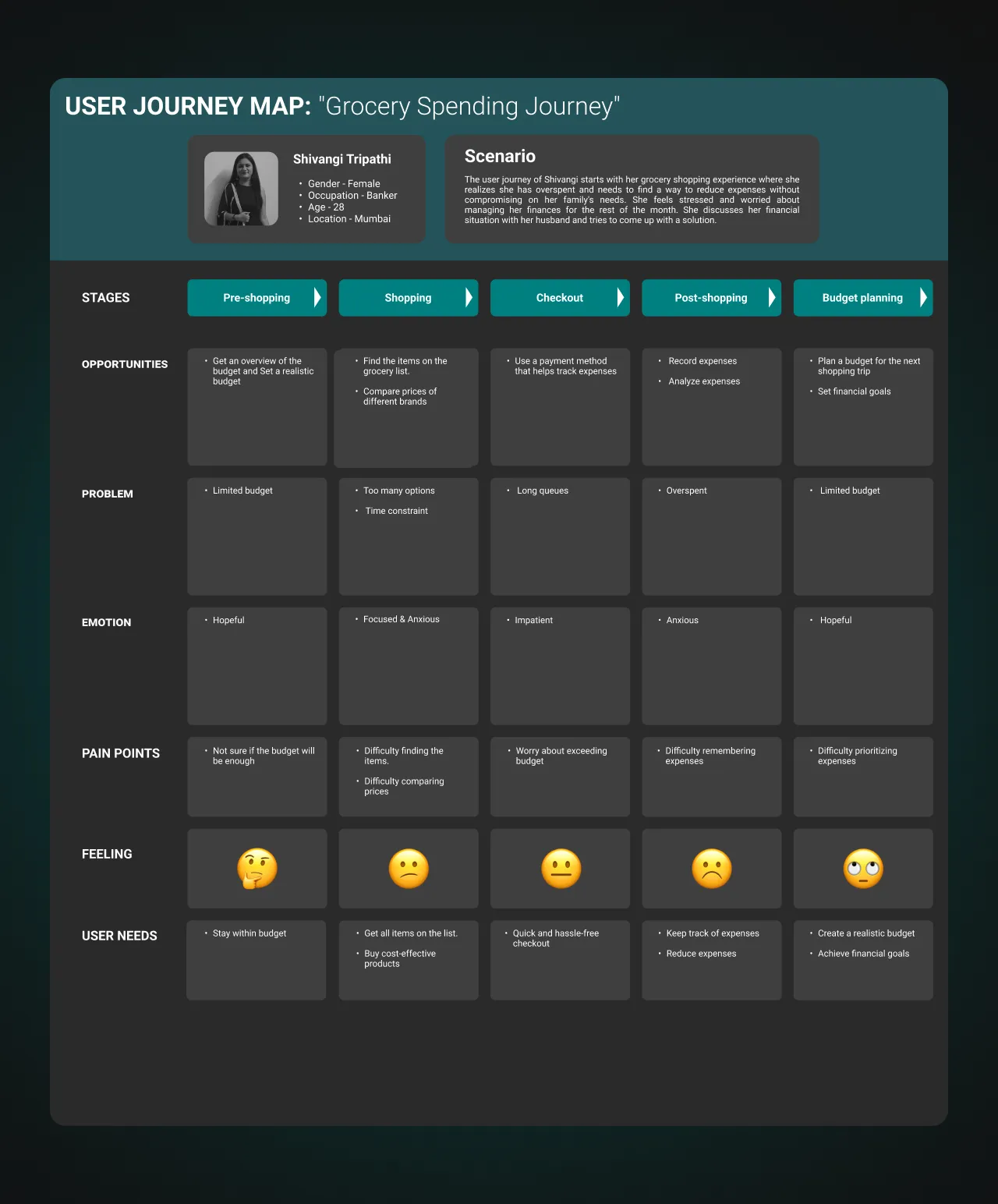
To pinpoint opportunities for improvement, I visualized Shivangi's frustrating process of trying to stick to a budget.
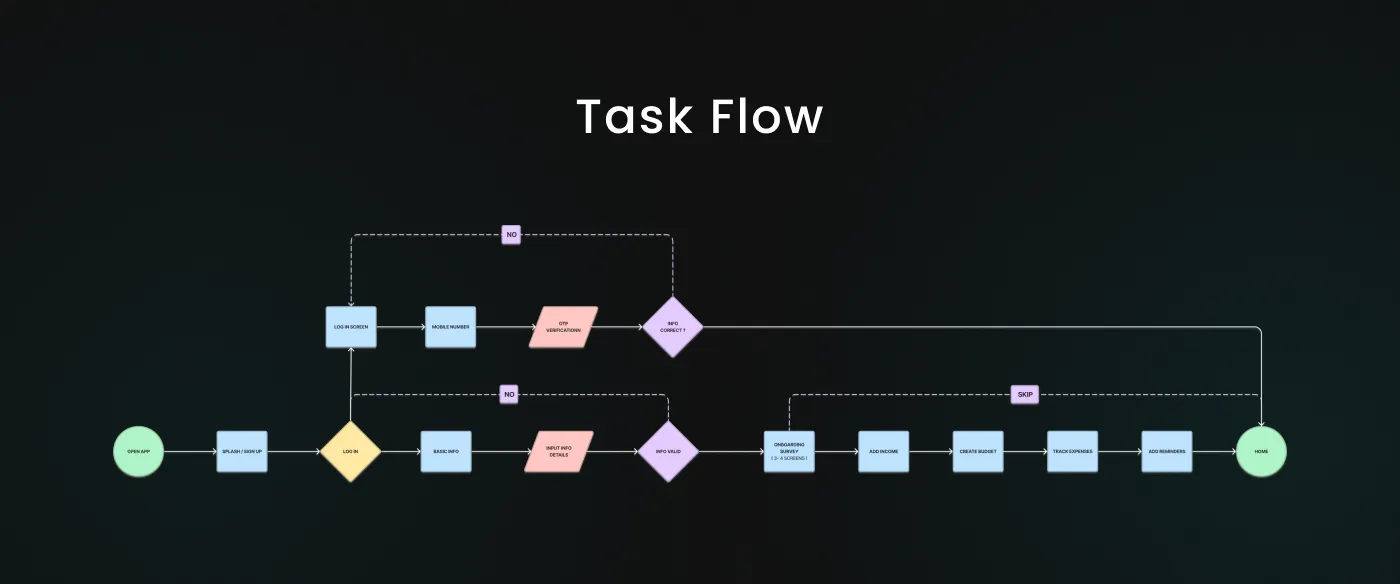
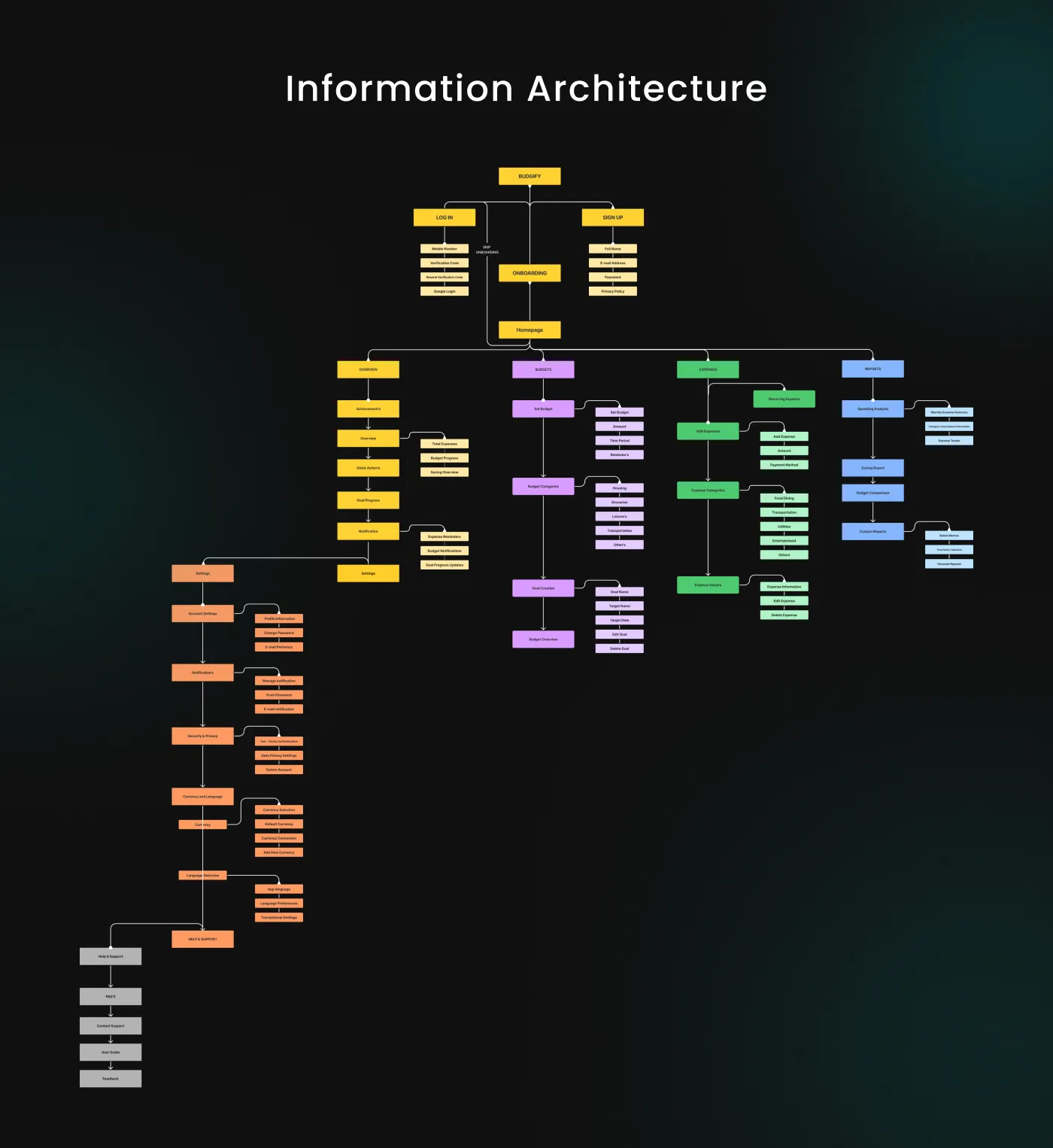
Task Flow & I.A
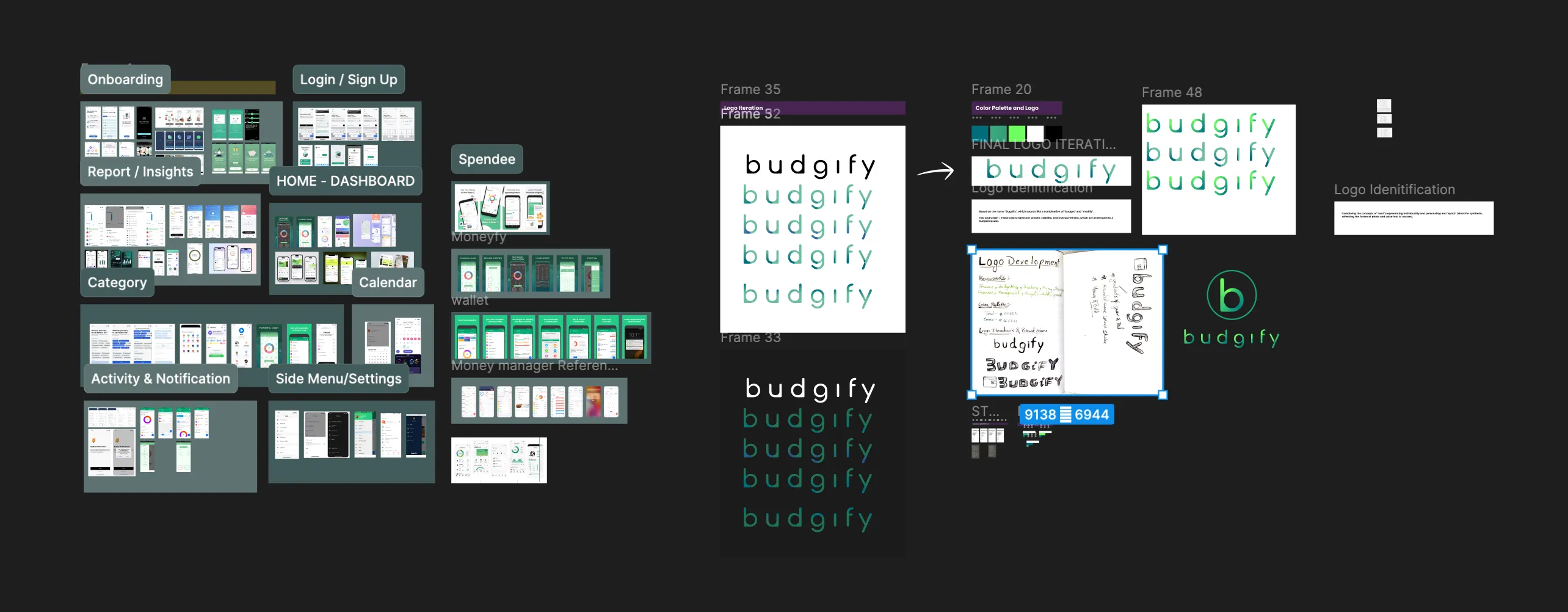
Moodboard and Branding
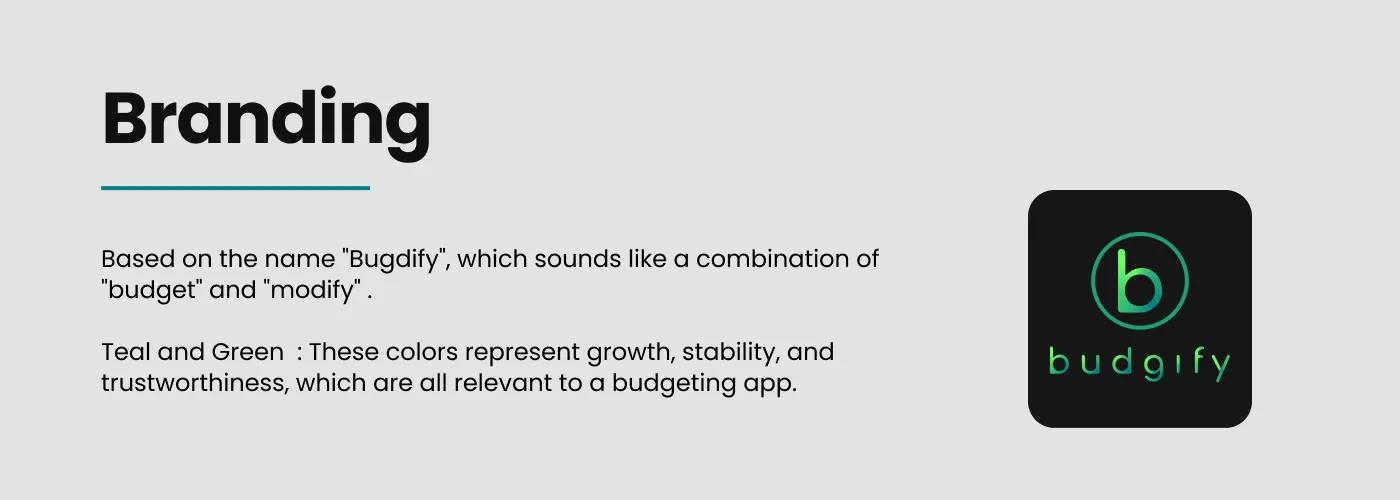
Conceptualisation — exploring visual direction and brand identity for Budgify.
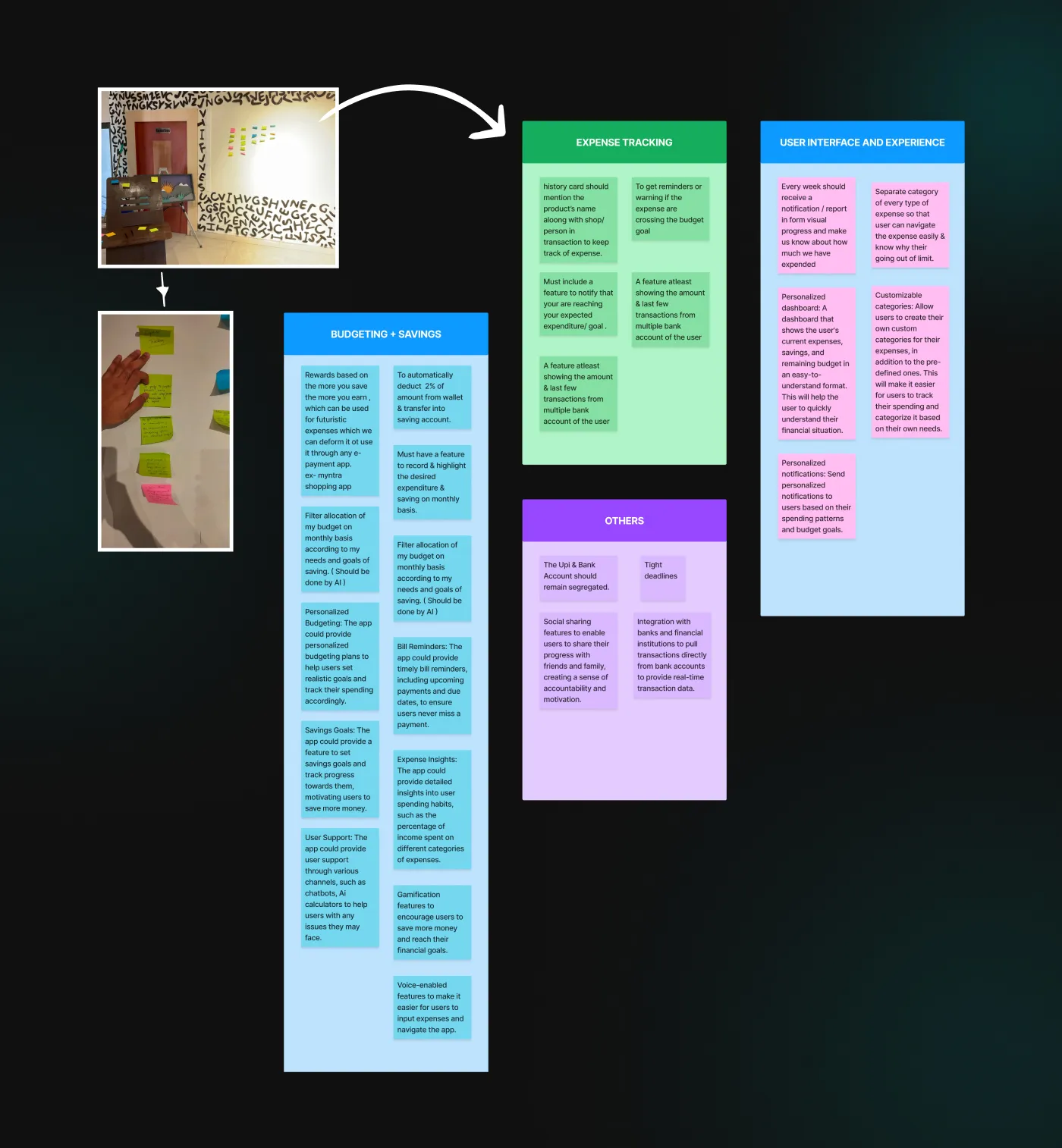
Ideation Process
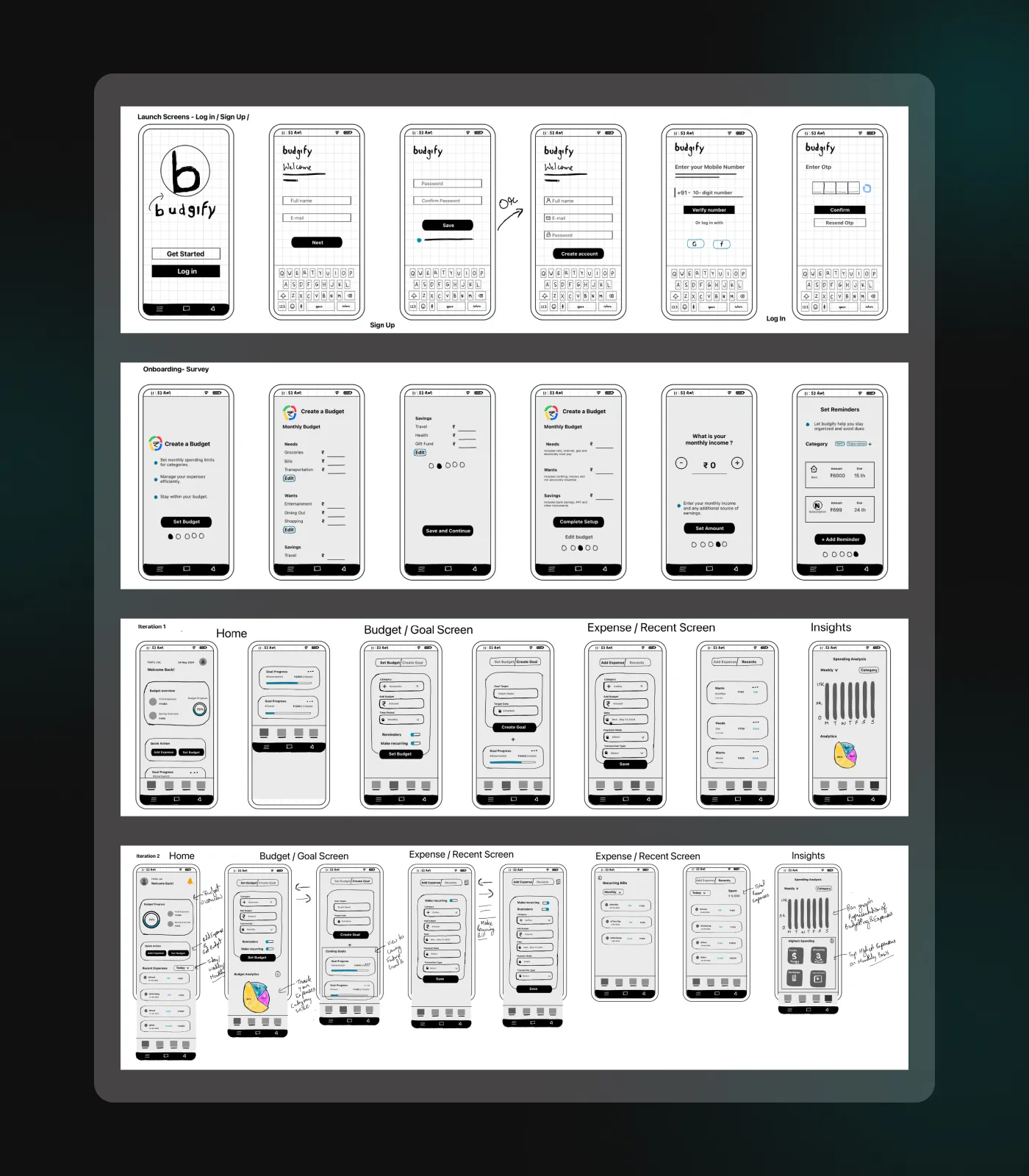
Mid Fidelity Wireframe
Mid-fidelity wireframes exploring layout, navigation, and content structure.
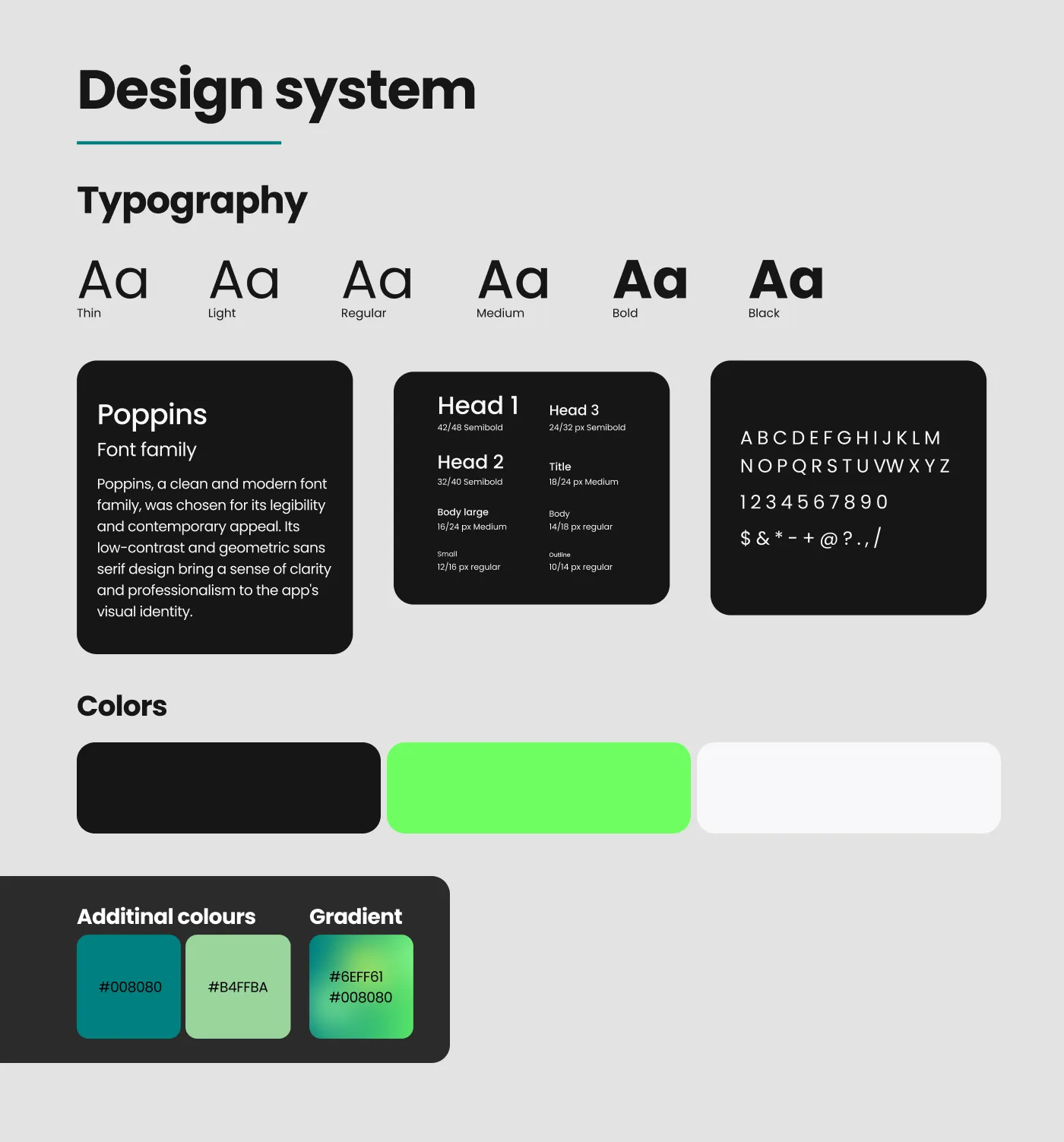
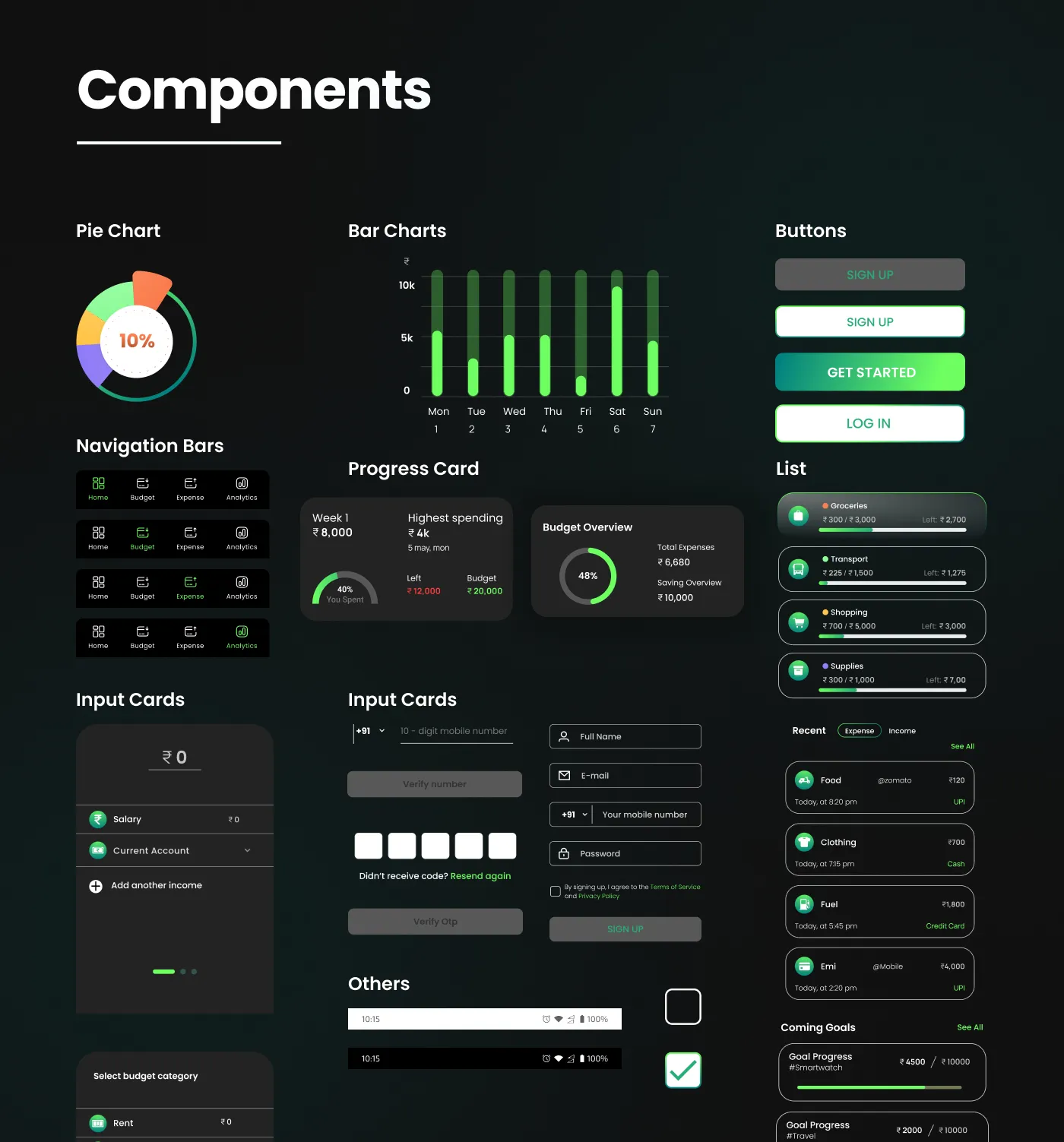
High-Fidelity Designs
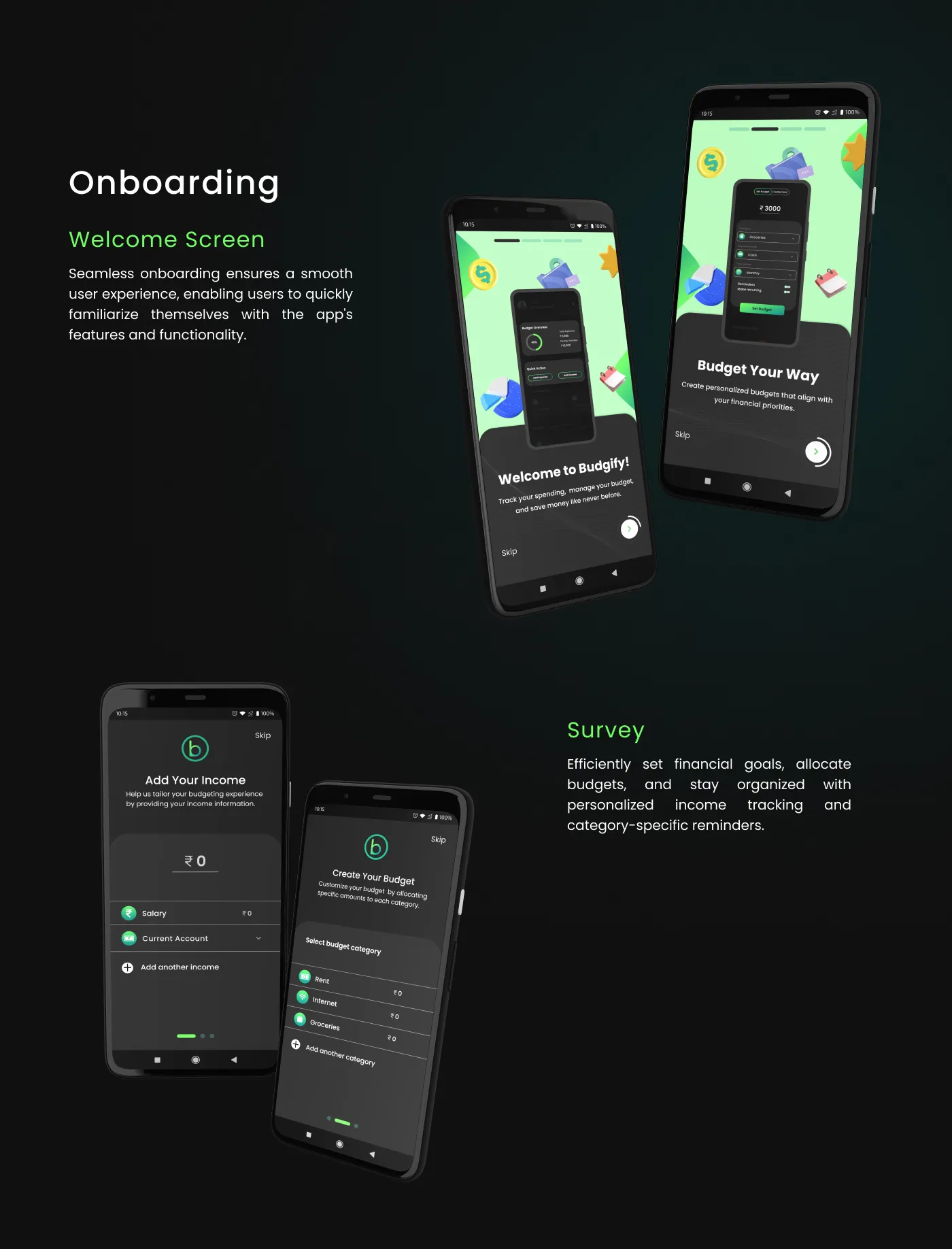
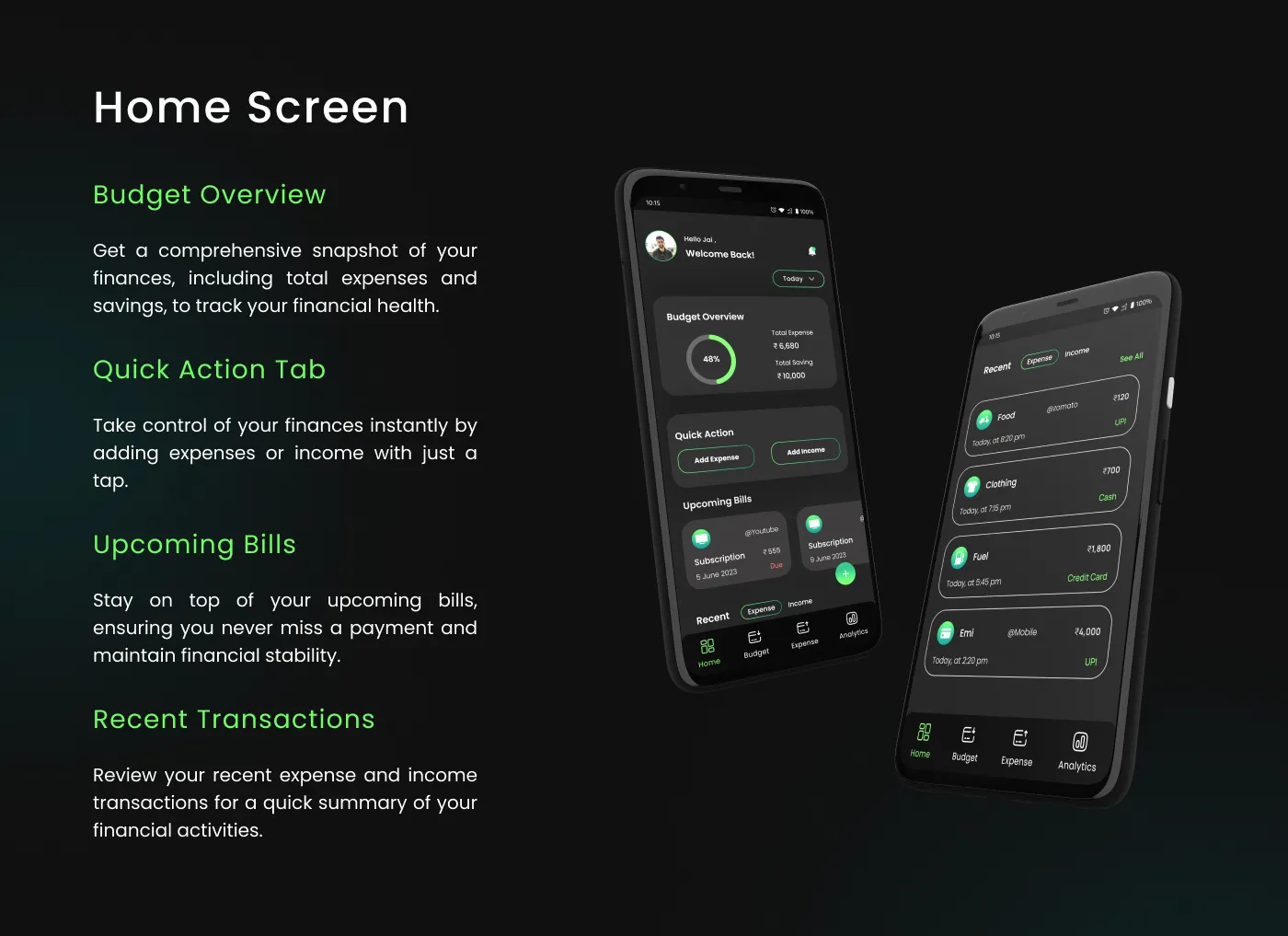
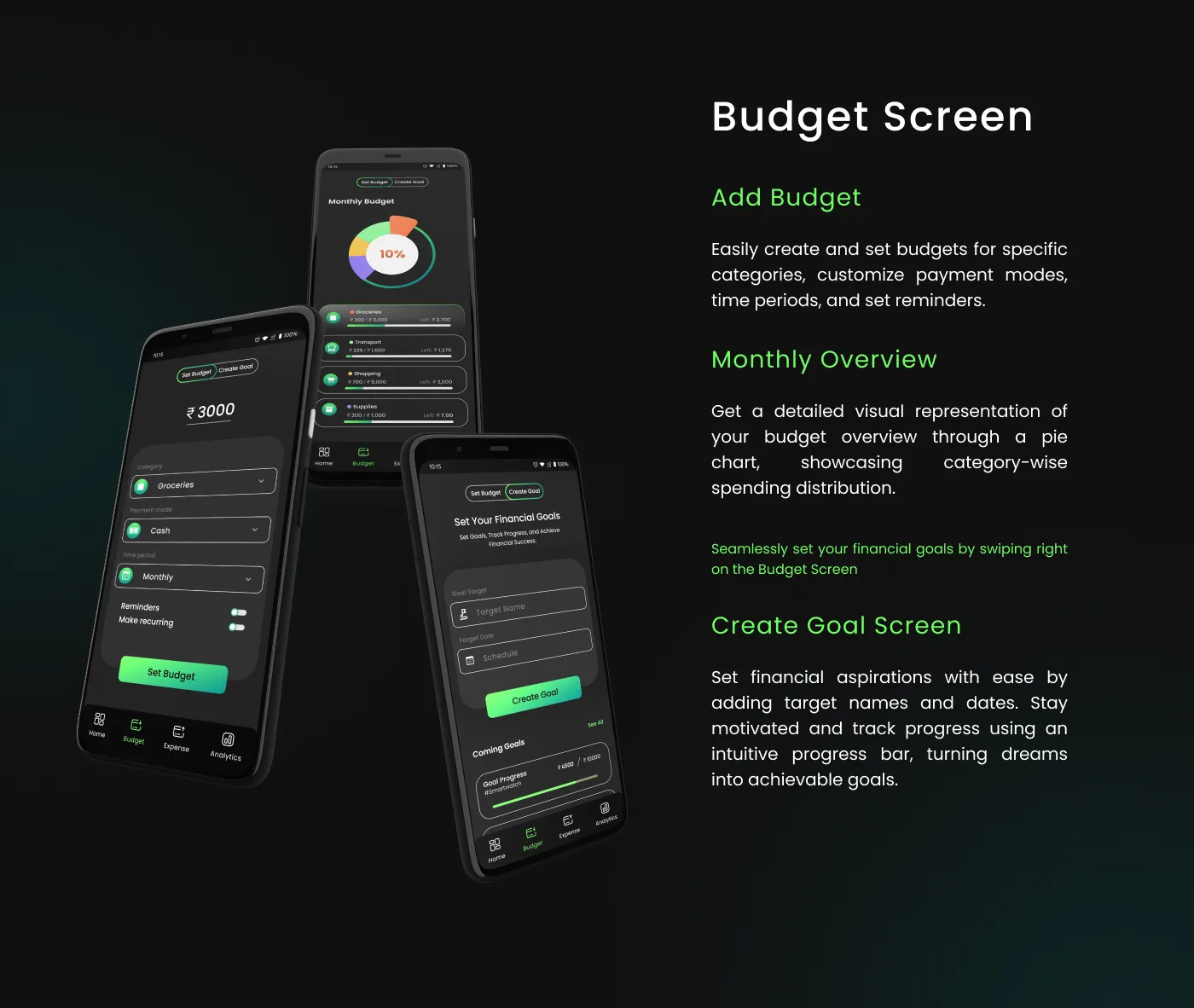
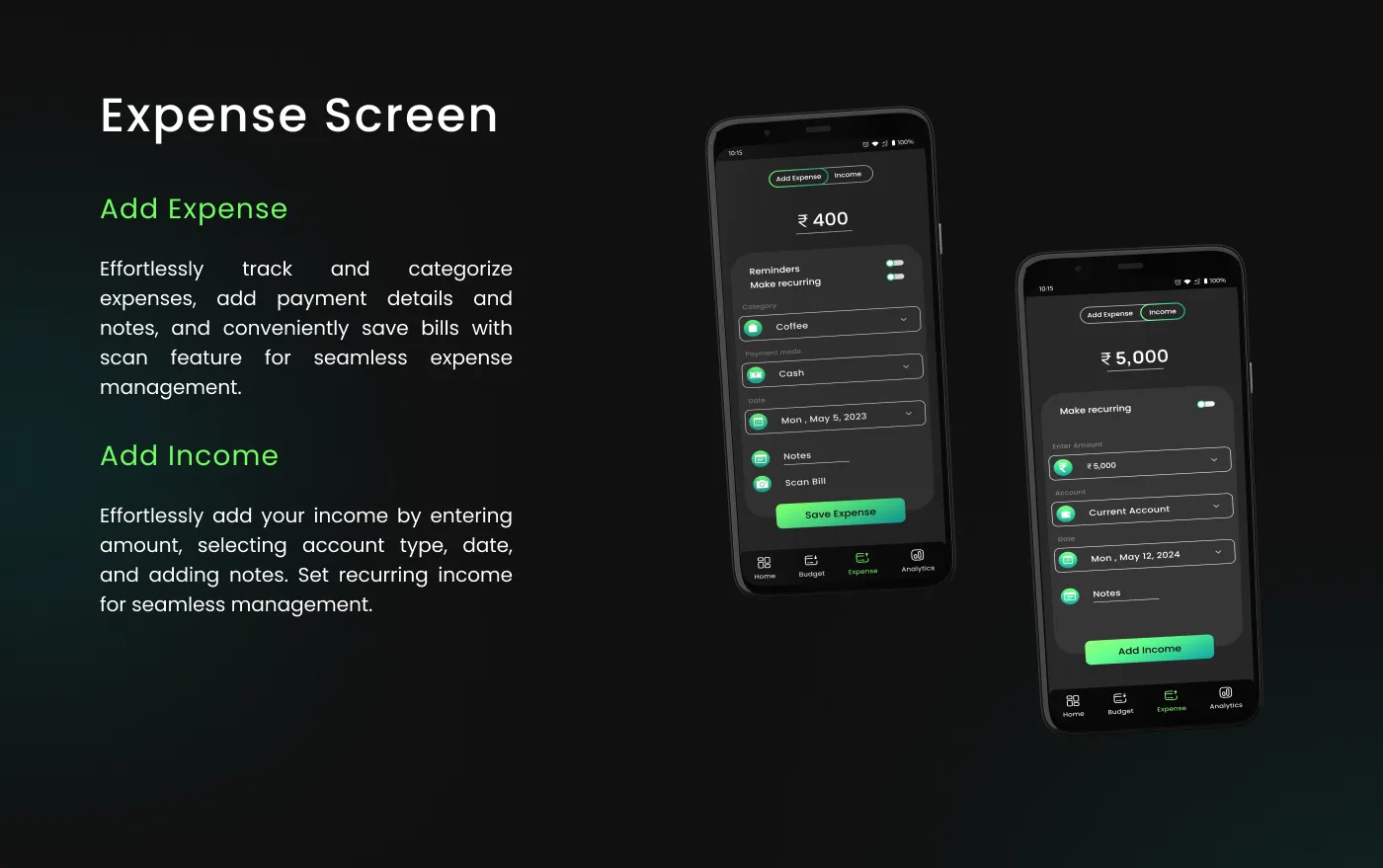
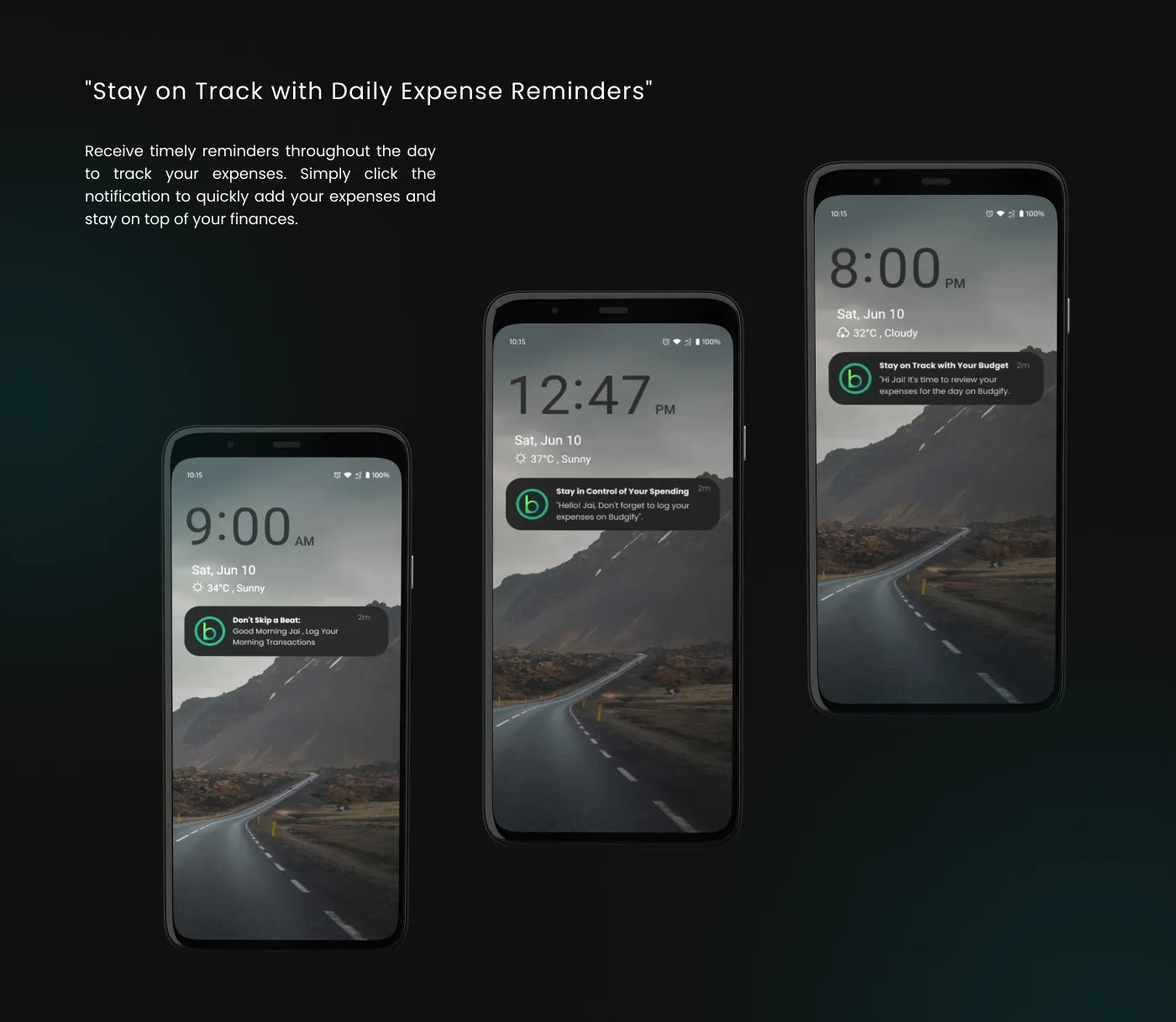
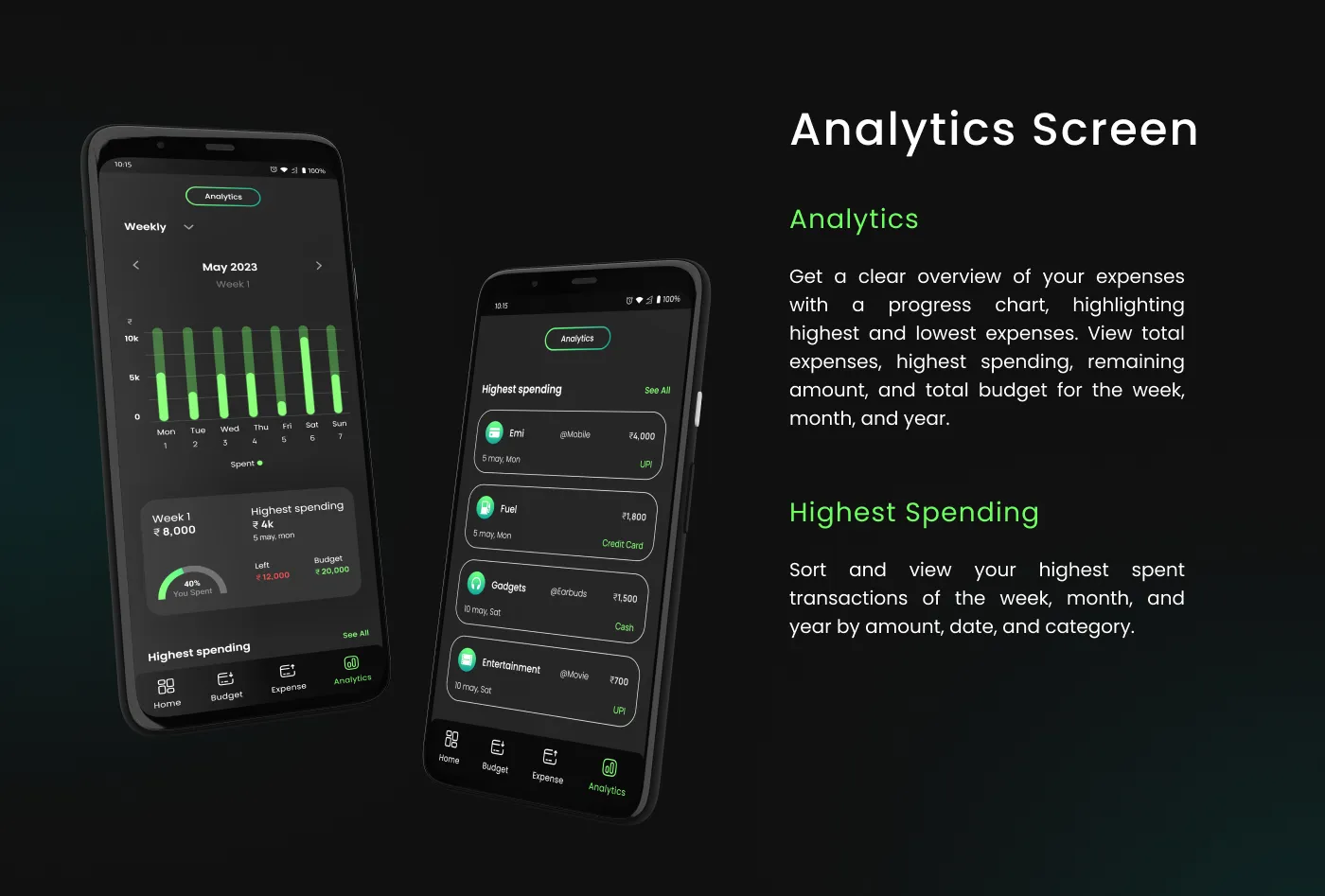
The culmination of the design process: high-fidelity mockups, key UI screens, and an intro video demonstrating the core user flow and interactions of the app.
Prototype
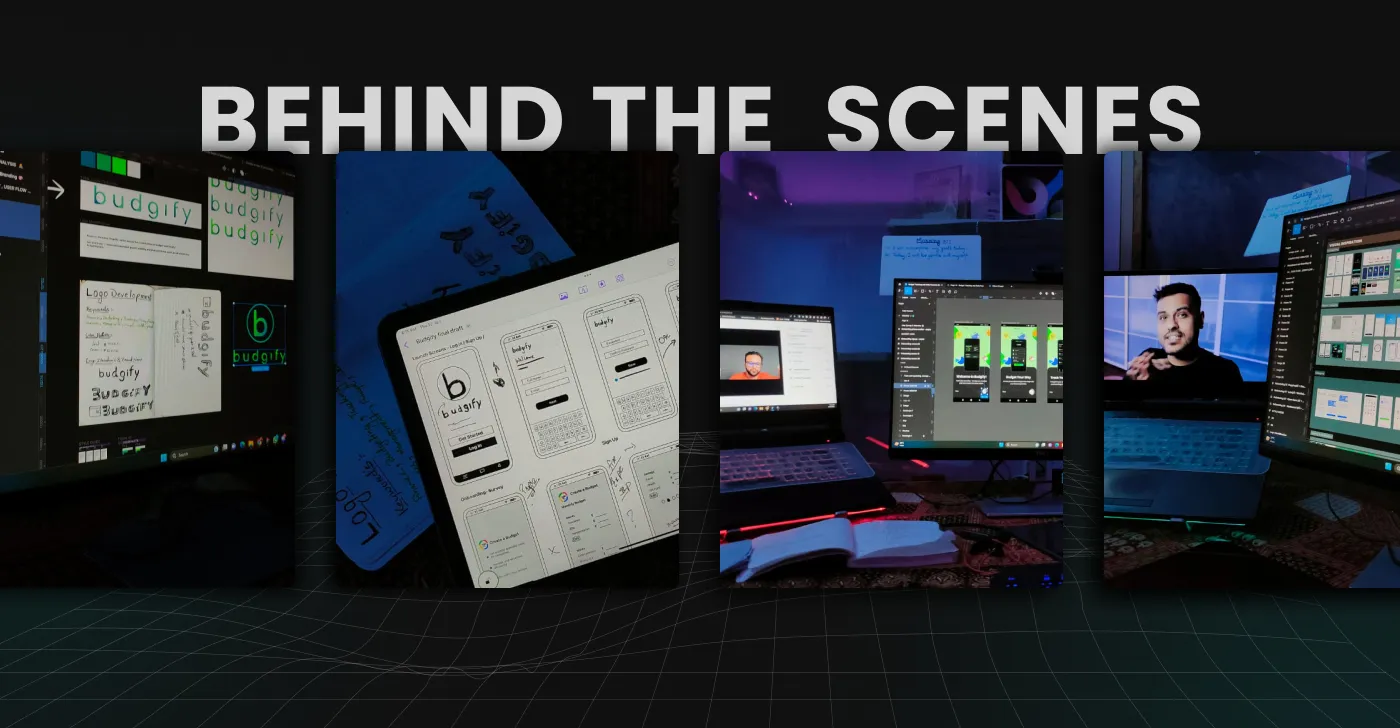
An interactive prototype showcasing the complete user flow and interaction design of Budgify.

Interested in working together?